Every dime, effortlessly tracked.
Dimey is a calm expense tracker for iPhone. Log a spend in seconds, scan your receipts, and see where your money goes. No bank logins, ever.
One email at launch. No spam.
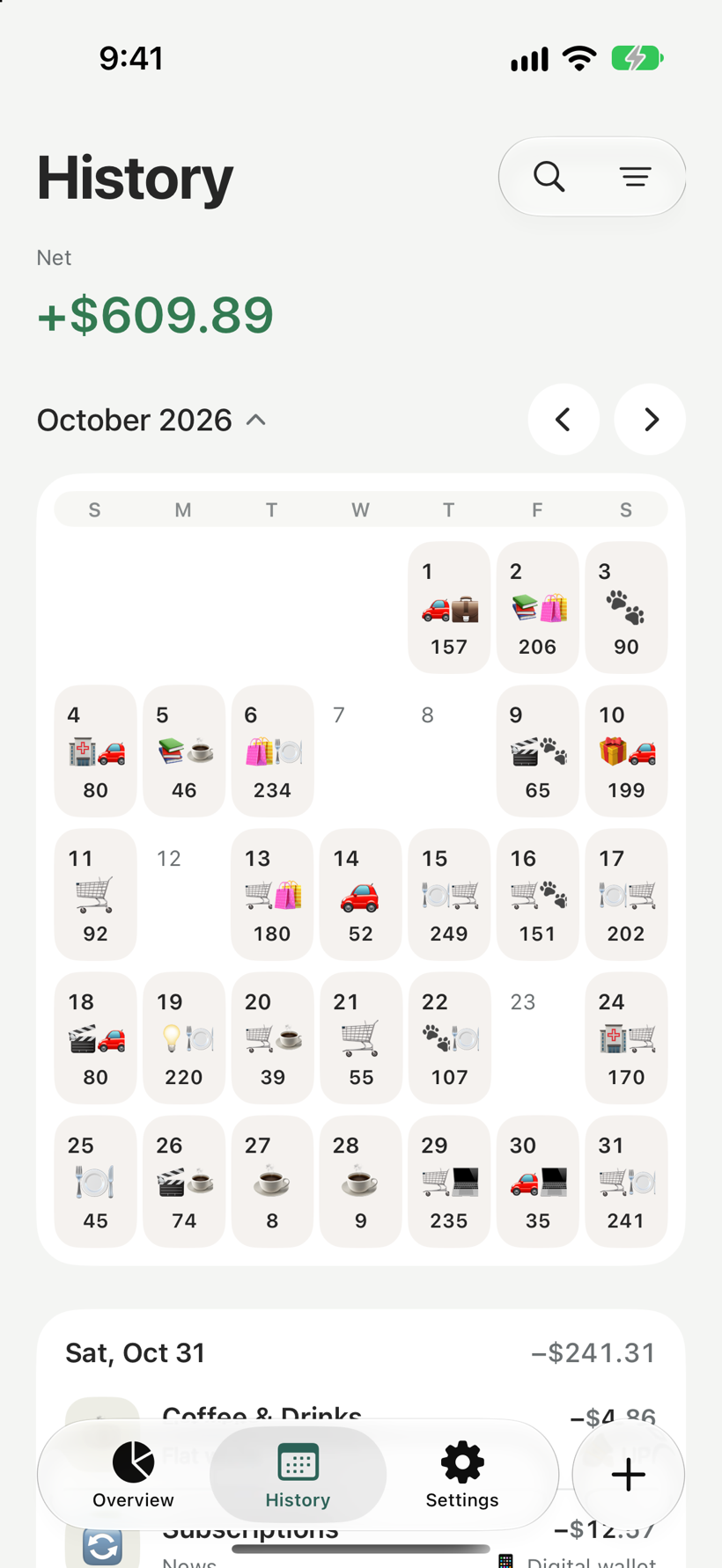
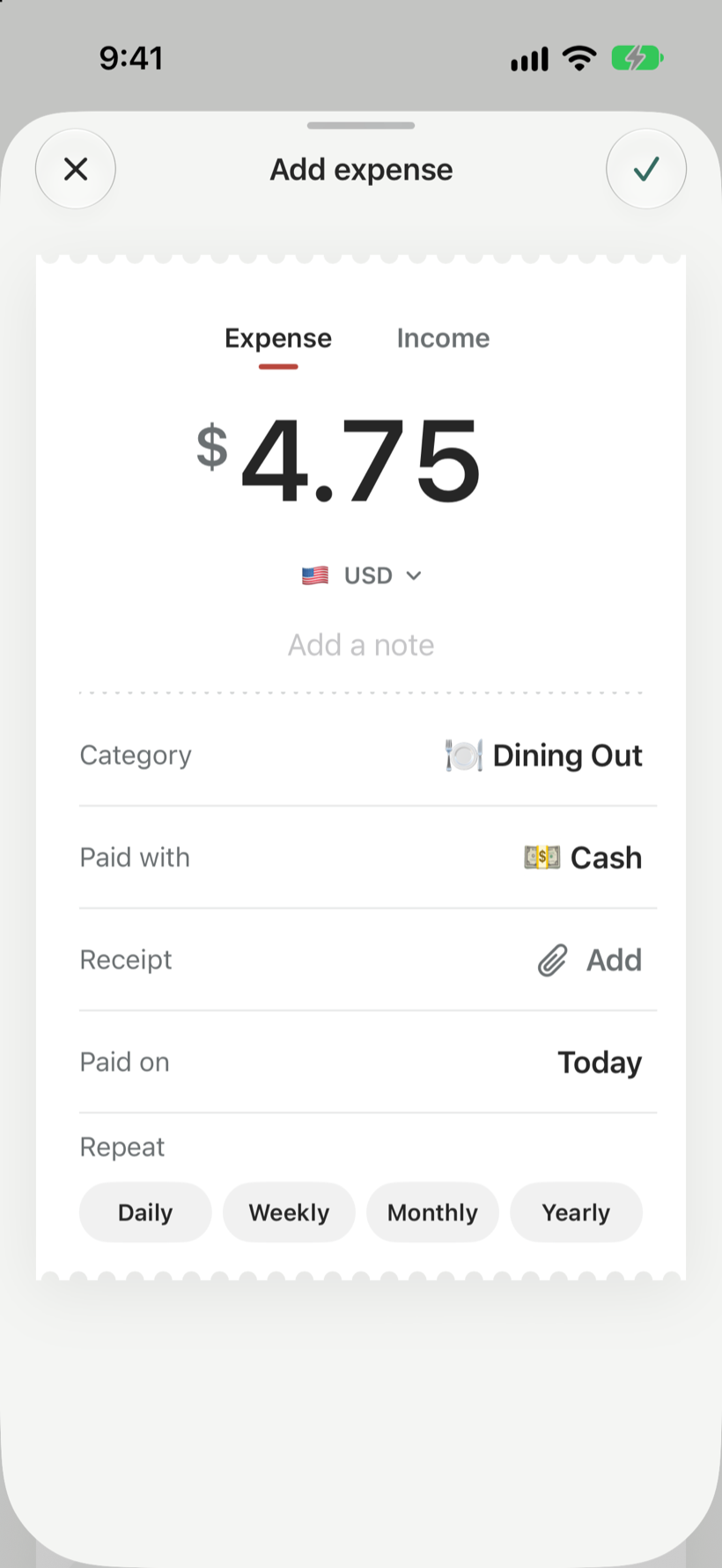
Log an expense in seconds.
Start Quick Log with Siri, the Action Button, Back Tap or Shortcuts. Enter the amount, pick a category and you are done, without hunting for the app.
- Siri, Action Button and Back Tap
- Amount, category, how you paid
- Works offline
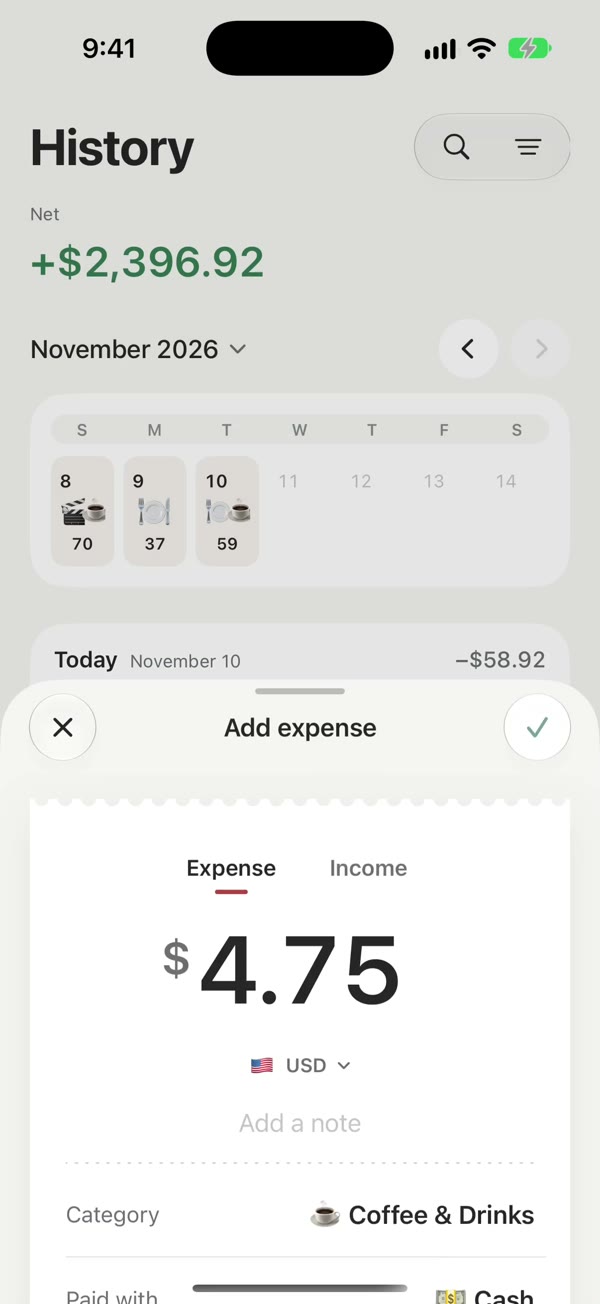
Scan a stack of receipts at once.
Share your receipts to Dimey. Apple Intelligence reads each one on your iPhone and fills in the shop, amount, date and category. Check the list and add them all together.
- Many receipts in one go
- Read on your iPhone, never uploaded
- Review before anything is saved
Needs an iPhone with Apple Intelligence, such as iPhone 15 Pro or newer.
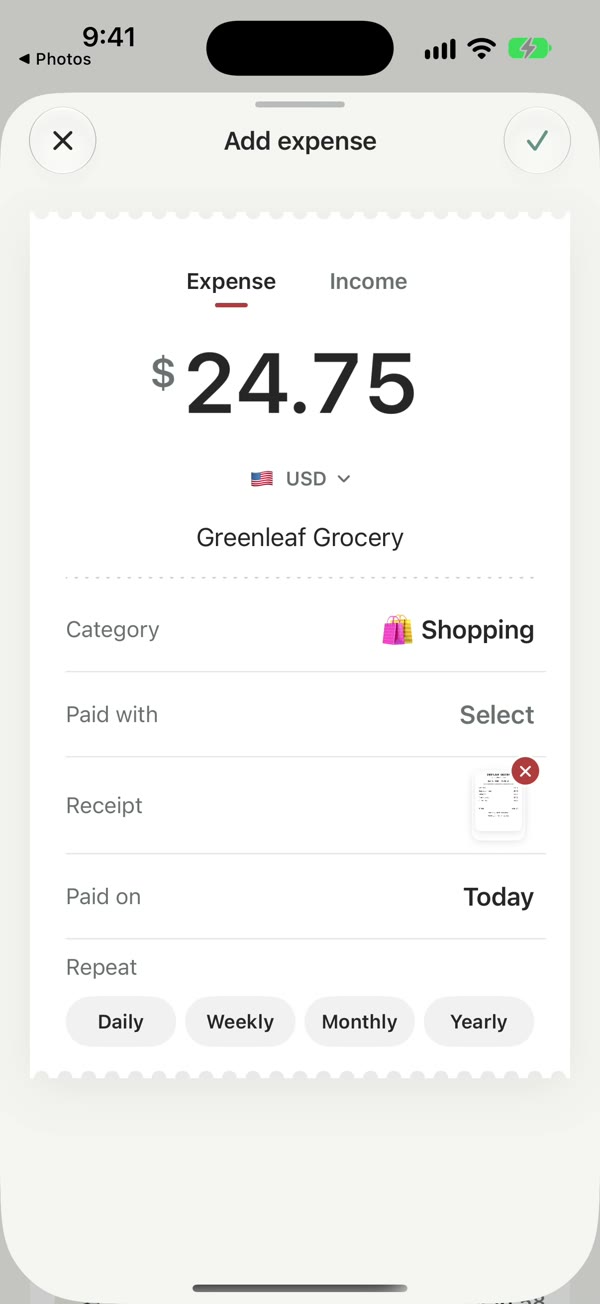
Around 200 currencies, one clear total.
Spend in any currency. Every entry keeps the currency you paid in, and Dimey converts it to your main currency with daily exchange rates, so a trip adds up on one receipt.
DIMEY
Trip receipt · 5 entries
- Sushi dinnerTokyo¥4,800≈ $32.19
- CoffeeLisbon€3.20≈ $3.48
- TaxiLondon£18.50≈ $23.42
- TacosMexico CityMX$240.00≈ $13.95
- Masala chaiMumbai₹180.00≈ $2.16
Example rates. Every entry keeps the currency you paid in.
Set it once. It logs itself.
Rent, subscriptions, the gym. Repeat an entry daily, weekly, monthly or yearly and Dimey adds it on the day.
- Daily, weekly, monthly, yearly
- Edit or stop whenever you like
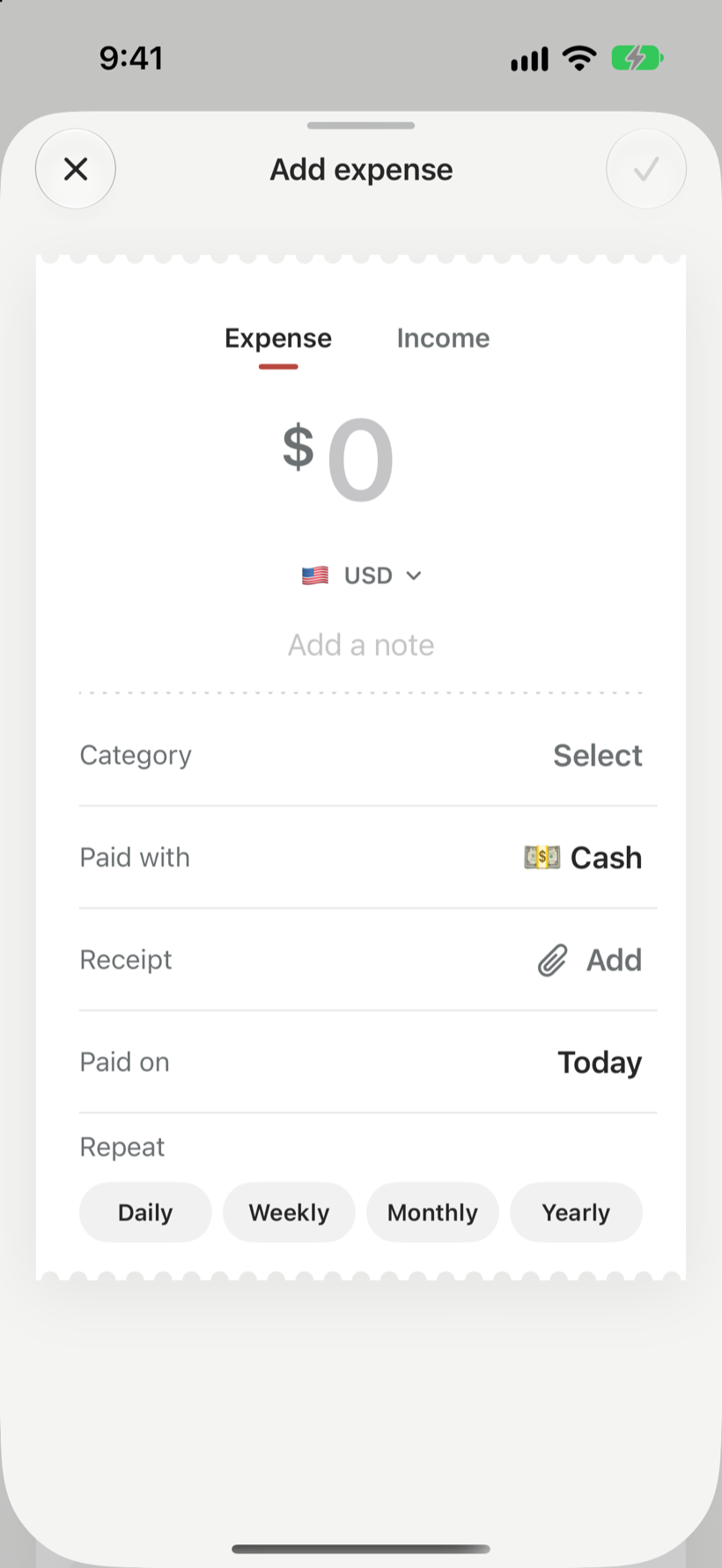
A history that is easy to read.
Every day has its own card with its total. Use the calendar to jump around, search any note, and filter by category or how you paid.
- Day cards and a monthly calendar
- Search and filters
- Receipt photos kept with each entry
And the small things.
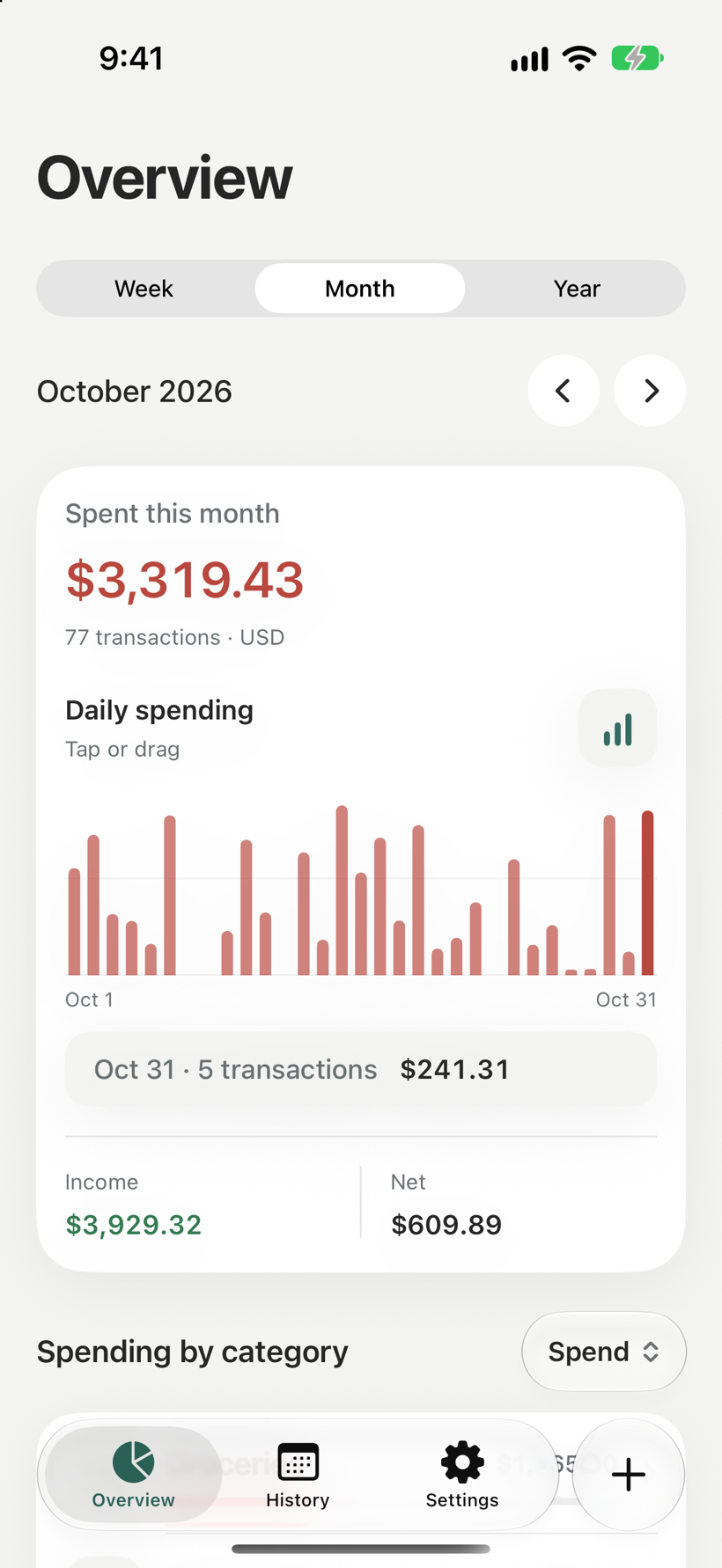
Overview
See the week, month or year at a glance, with spending by category.
Face ID lock
Keep your spending private behind Face ID.
CSV export
Take every entry to a spreadsheet whenever you like.
Daily reminder
One gentle nudge a day, at the time you choose.
Your money stays yours.
Dimey does its job without asking for the things other money apps do.
No bank logins
Dimey never asks you to link an account.
No inbox scanning
Your email is never read.
No text reading
Your messages stay yours.
No account
Open the app and start. There is no sign-up.
Just you and your iPhone.
Dimey works offline. Your entries and receipts stay on your device, and receipts are read on the iPhone itself with Apple Intelligence.
Questions
When does Dimey launch?
Soon, on the App Store for iPhone. Join the waitlist and we will email you once on launch day.
Does Dimey connect to my bank?
No, and it never will. You log expenses yourself, by voice, shortcut, receipt or a quick tap.
Do I need an account?
No. There is no sign-up. Your data lives on your iPhone.
How does receipt scanning work?
Share one or many receipt photos with Dimey. Apple Intelligence reads them on your device, and you review the list before adding. Receipt scanning needs an iPhone with Apple Intelligence, such as iPhone 15 Pro or newer.
Which currencies are supported?
Around 200. Each entry keeps its original currency and is converted to your main currency with daily rates.
Can I get my data out?
Yes. Export your entries to CSV from Settings at any time.
What does it cost?
Pricing will be announced at launch. Waitlist members hear first.
Something else? dimeyapp@gmail.com

Be first to try Dimey.
Leave your email and we will send one note when Dimey is on the App Store.
One email at launch. That's it.